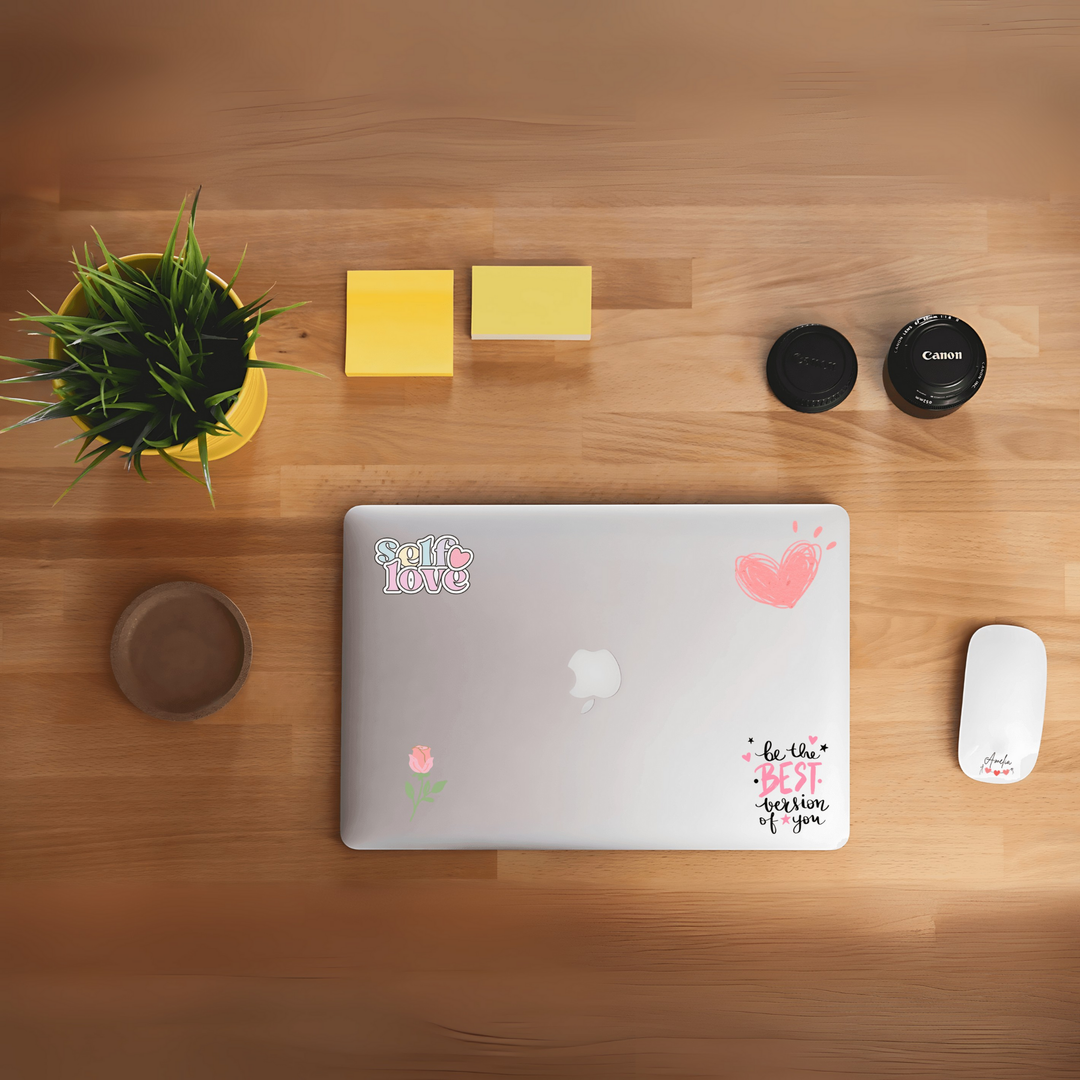
Custom DTF transfer stickers with motivational quotes and flowers on a laptop, desk setup
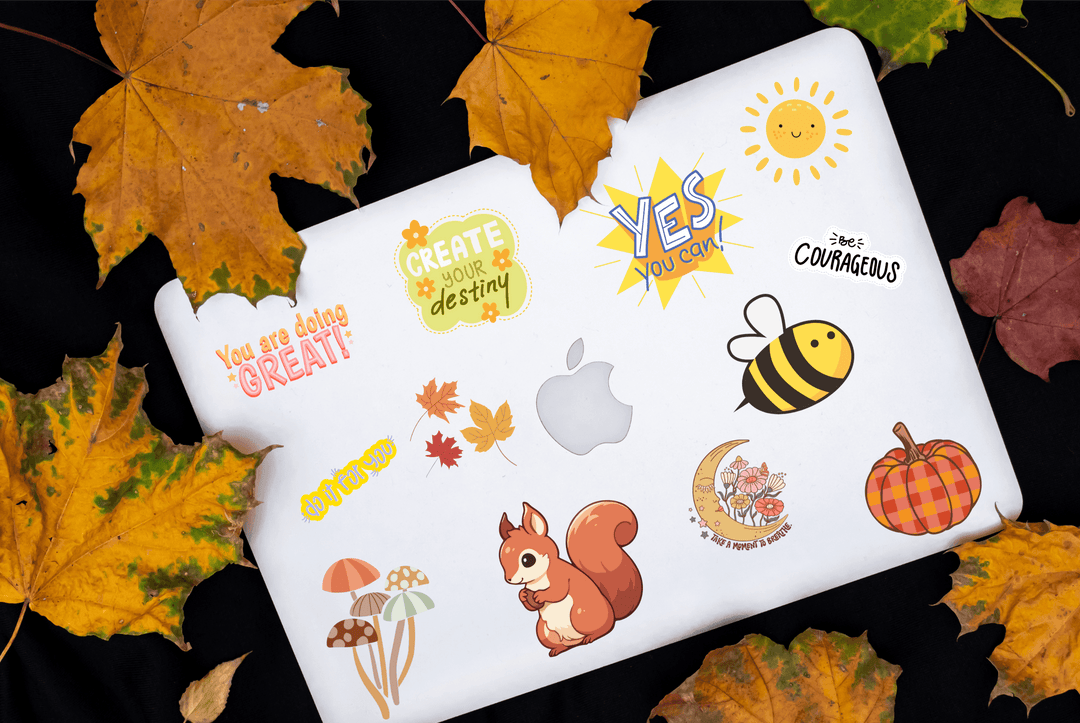
Laptop with motivational DTF transfer stickers, autumn leaves, squirrel, bee, pumpkin, sun.
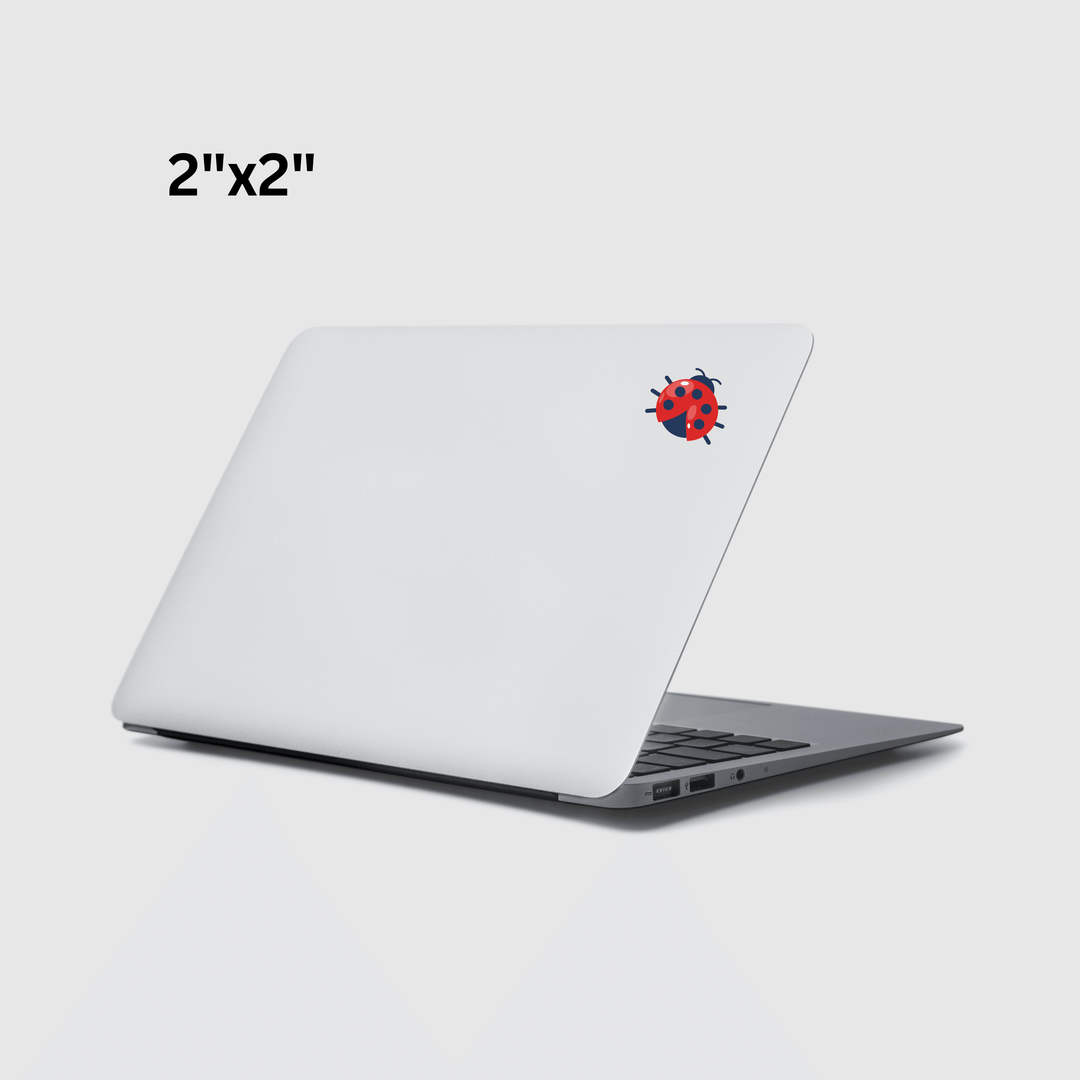
2x2 inch UV DTF transfer ladybug sticker on white laptop lid
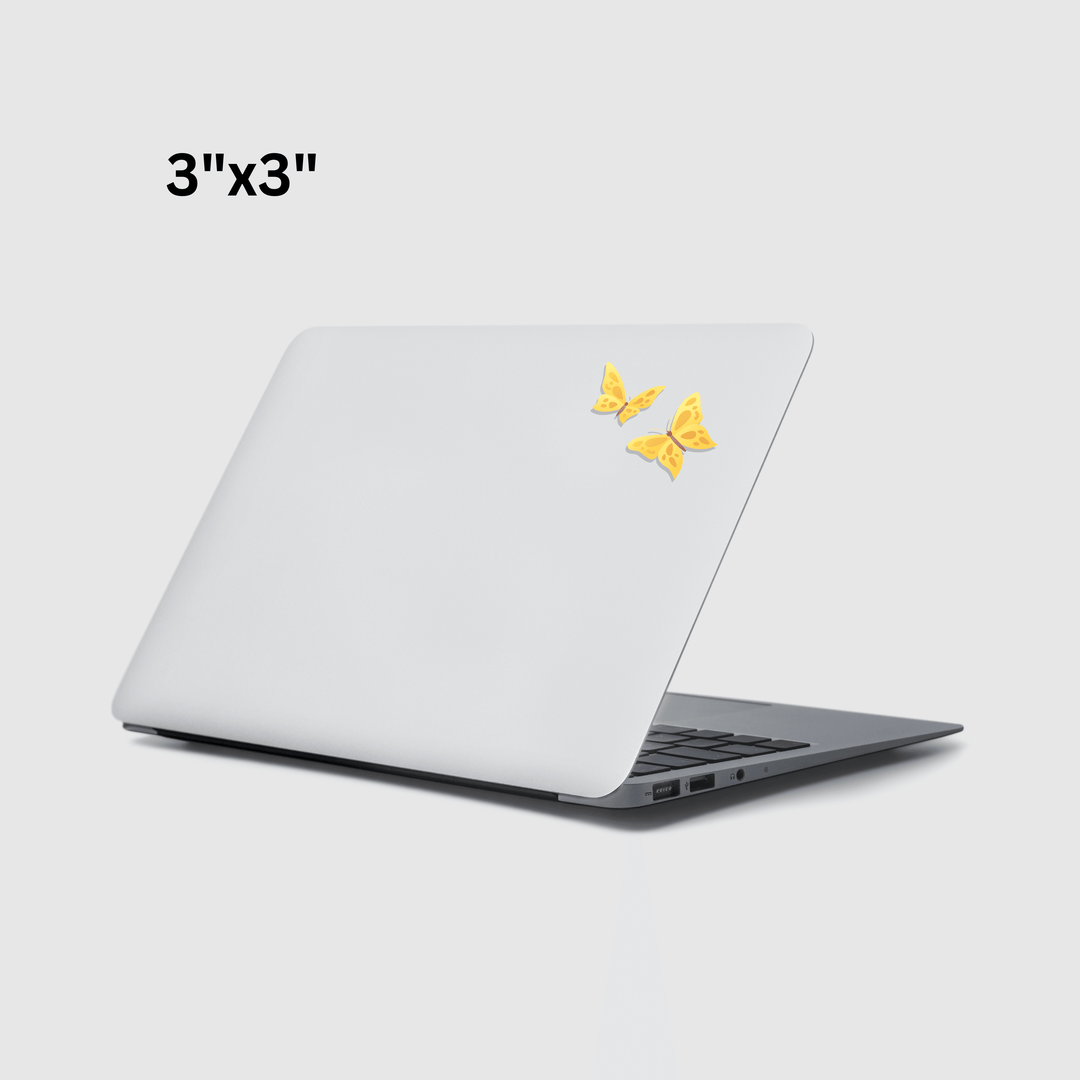
Yellow butterfly UV DTF transfer decals on a laptop, 3x3 inch size, custom sticker design
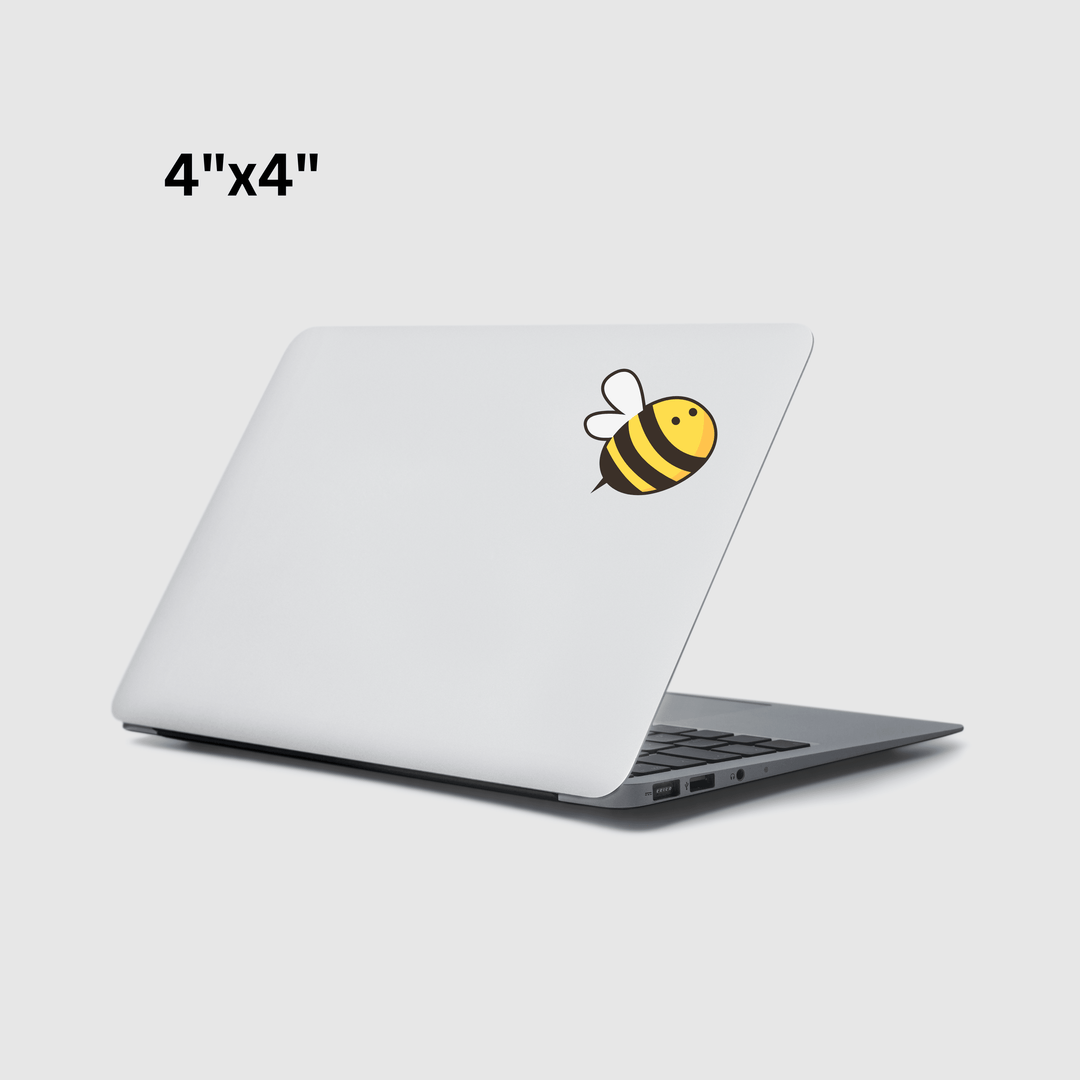
Cute bee DTF transfer sticker on white laptop cover, 4x4 inch size, UV printed design
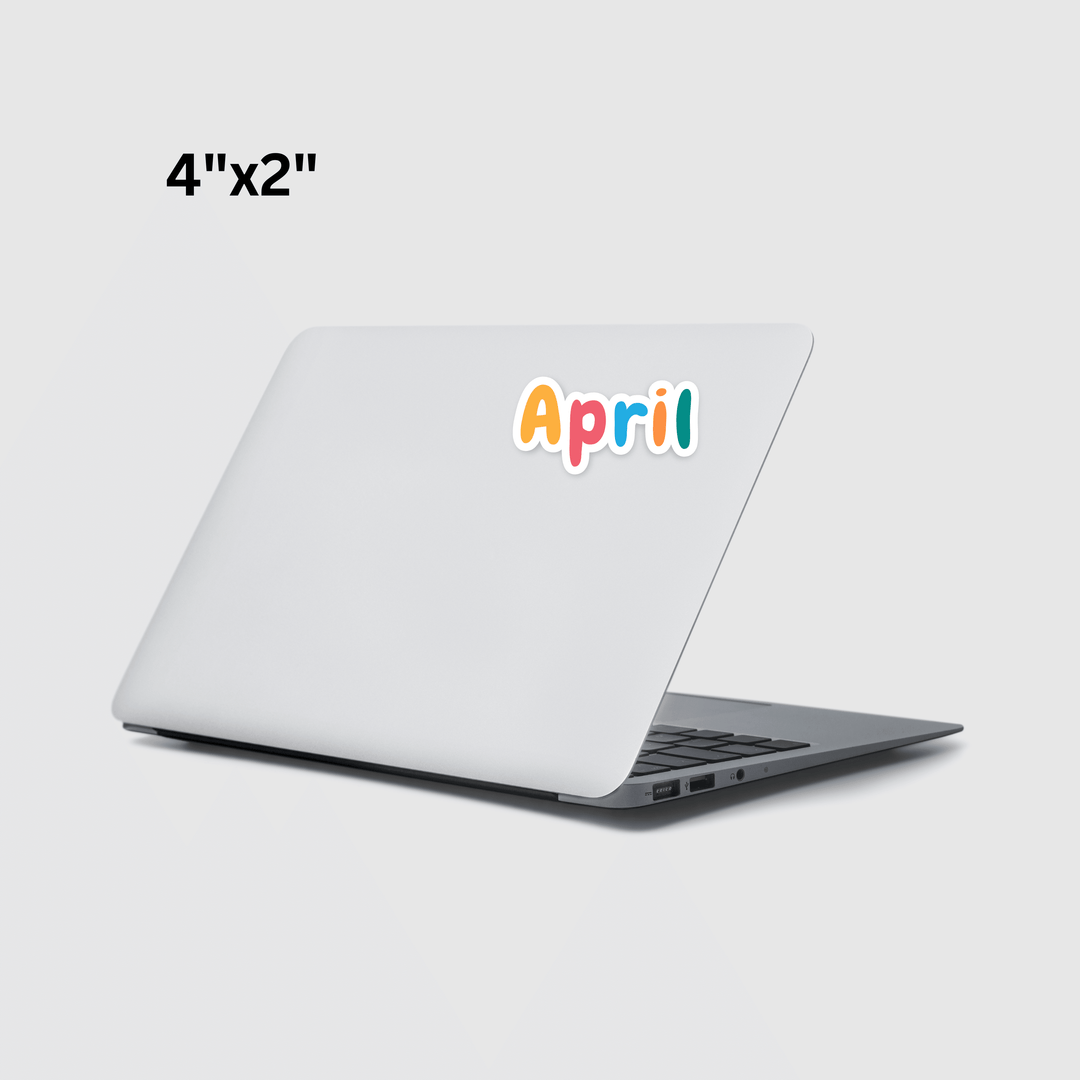
Colorful 'April' DTF transfer sticker on laptop, 4x2 inch size, custom transfer design
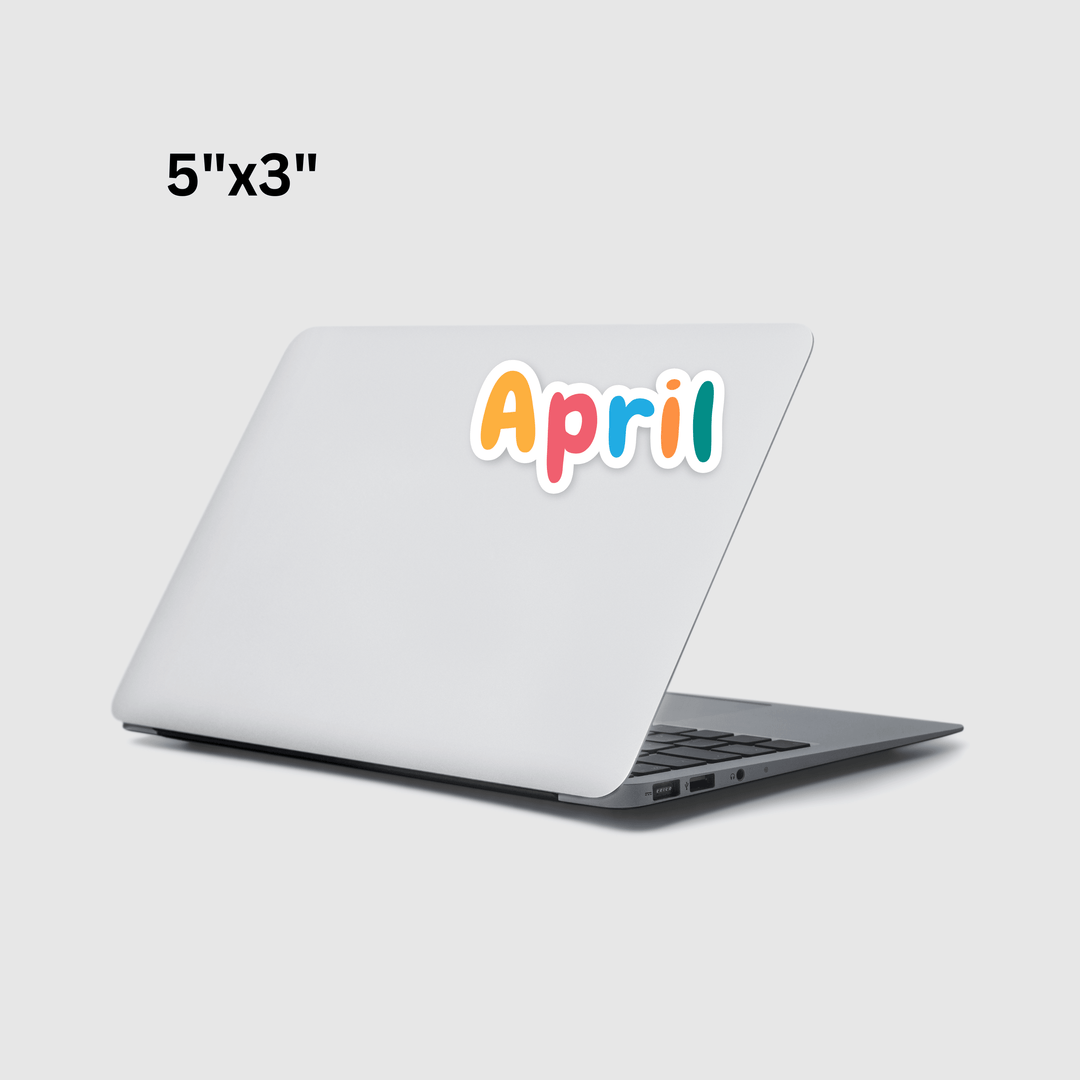
Colorful April sticker on white laptop, UV DTF transfer, 5x3 inches, for custom printing

Stickers for Laptops

Starting at just $0.02 (with no setup or art fees)
Regular price$1.30
/
Shipping calculated at checkout.

Loading configuration...
Added to cart!
👕 T-Shirt Designer
1
Upload
2
Design
3
Details
4
Review
Upload New Design
Drag and drop or click to browse your files.
☁️
Drag & Drop your design here
PNG, JPG, WEBP, TIFF, PSD, PDF, AI, EPS • Max 1GB
Loading 3D Preview...
T-Shirt Color
Size
Print Locations
Settings for: Front
Scale 100%
Position X 0
Position Y 0
Base T-Shirt $19.99
Subtotal $19.99
🖼️
White T-Shirt, Large
Locations: Front • Subtotal: $19.99
1
Order Preview
Front
👕
  • Color White
  • Size Large
  • Quantity 1
  • Print Locations Front
Base T-Shirt $19.99
Front Print $0.00
TOTAL $19.99

Added to Cart!

Your items are ready for checkout

Your Cart 0
Cart Total $0.00

Stickers for Laptops Guide

Stickers for Laptops are a popular way to personalize and decorate devices. Many people use laptop decals to express creativity, show brand identity, or simply make their devices stand out.

Laptop stickers come in many styles, colors, and sizes. They can feature logos, artwork, quotes, or graphic designs. Because laptops are used daily at school, work, or home, adding stickers is a simple way to create a unique look.

Today, Stickers for Laptops are used by students, designers, businesses, and tech enthusiasts around the world.

📷 Suggested Image
Laptop covered with colorful stickers


What Are Stickers for Laptops?

Stickers for Laptops are adhesive decals designed to be applied to the surface of a laptop. These stickers are usually made from durable materials such as vinyl or UV-printed film.

Laptop decals are designed to stick firmly while remaining removable without damaging the device.

Common characteristics include:

  • Durable adhesive backing

  • Bright and detailed printing

  • Scratch-resistant surfaces

  • Easy application and removal

Because of these features, laptop stickers are widely used for personal and professional customization.

📷 Suggested Image
Custom laptop sticker sheet


Why People Use Stickers for Laptop

Many people choose Stickers for Laptop because they offer an easy way to customize devices.

Personal Expression

Laptop decals allow users to display personal interests, artwork, or favorite brands.

Device Identification

Stickers help identify laptops in shared environments such as schools, offices, or co-working spaces.

Branding Opportunities

Businesses often use laptop stickers to promote their logos and brands.

Affordable Customization

Stickers are an inexpensive way to personalize devices without permanent changes.


Popular Types of Laptop Stickers

Different styles of Stickers for Laptop are available depending on design and purpose.

Logo Stickers

Many businesses create logo decals for laptops to promote their brands.

Graphic Stickers

Creative designs such as illustrations, icons, and patterns are common among students and designers.

Quote Stickers

Inspirational or funny quotes are often used to personalize devices.

Custom Artwork

Artists and designers often create custom laptop decals to showcase unique artwork.

📷 Suggested Image
Laptop with creative graphic decals


Benefits of Laptop Stickers

Using Stickers for Laptop offers several advantages.

Easy Customization

Laptop decals can quickly change the look of a device.

Durable Materials

Most laptop stickers are made from vinyl or UV-printed materials that resist fading and scratches.

Removable Adhesive

High-quality stickers can be removed without leaving residue.

Lightweight Design

Laptop decals add style without affecting the device’s weight or functionality.


How to Apply Laptop Stickers

Applying Stickers for Laptop is simple if done correctly.

Follow these steps for the best results:

  1. Clean the laptop surface with a dry cloth.

  2. Make sure the surface is free from dust and oil.

  3. Peel the sticker carefully from the backing.

  4. Place it slowly on the laptop surface.

  5. Press gently and smooth out air bubbles.

Taking a few moments during application helps ensure a clean and professional look.

📷 Suggested Image
Applying laptop sticker with hand


Tips for Choosing Laptop Stickers

When selecting Stickers for Laptop, consider these factors.

  • Choose high-quality vinyl or UV-printed decals.

  • Select designs that match your style or brand.

  • Pick sizes that fit well on your device.

  • Avoid placing stickers over ventilation areas.

These tips help maintain both style and device performance. 

Final Thoughts

Stickers for Laptop provide an easy way to personalize devices and showcase creativity. Whether used for decoration, branding, or identification, laptop decals help make devices unique.

Because they are affordable and easy to apply, laptop stickers are widely used by students, professionals, and businesses.

With durable materials and creative designs, these decals can transform an ordinary laptop into a personalized statement.


Follow Alpha DTF Print

Instagram
https://www.instagram.com/alphadtfprint
Explore new printing ideas, product designs, and customization inspiration.

Facebook
https://www.facebook.com/AlphaDTFPrint/
Follow for updates, tutorials, and customer product showcases.

TikTok
https://www.tiktok.com/@alphadtfprint
Watch short videos showing real printing processes and creative applications.

YouTube
https://www.youtube.com/@Alpha_DTF_Print
Learn detailed tutorials about printing equipment and customization methods.

Pinterest
https://tr.pinterest.com/alphadtfprint/
Discover creative branding ideas, packaging inspiration, and design concepts.

  • Same-day printing for orders placed by 4 PM CT on weekdays
Checkout with PAYPAL
PayPal

We understand the importance of prompt delivery. With our same-day shipping
service, we prioritize efficient order processing and quick delivery. However,
delivery time may vary depending on your location and shipping method chosen
during checkout.
This site is protected by hCaptcha and the hCaptcha Privacy Policy and Terms of Service apply.

FLASH SALE

For Orders Above 100$ Use the Code below to get 20% OFF for the whole month

Please apply the code Loyalty20 in your cart or at checkout.

12

DAYS

12

HOURS

12

MINUTES

12

SECONDS


Product Details

Experience the quality of our printing services with our UV Transfers by Size are the perfect choice for creating bold, colorful designs that last. Using advanced UV printing technology, these transfers ensure vibrant colors and long-lasting results, perfect for personal projects or professional branding.

Built for durability, UV Transfers resist fading and peeling, even in tough conditions. They work on various surfaces such as glass, metal, plastic, ceramics, and more, offering flexibility for your creative ideas.

While highly reliable, extreme use or harsh conditions may impact adhesion over time. Honest performance is our promise, so you can trust in the quality of your purchase.

Whether for gifts, branding, or unique designs, UV Transfers by Size are your go-to solution for high-quality results.

Customizable Sizes: Choose from a variety of size options to fit your design needs perfectly.

High-Quality Prints: Enjoy vibrant colors, sharp details, and excellent durability with every transfer.

Compatible with Various Garments: Works seamlessly on cotton, polyester, blends, and more – even on non-fabric surfaces like leather.

Easy Application: Just press and peel! Our transfers require no weeding or pre-treatment, saving you time and effort.

Soft and Comfortable Finish: Leaves garments feeling soft and smooth without any stiffness or heaviness.

Durable and Long-Lasting: Tested to withstand 60+ washes without fading or cracking.

Quick Turnaround: Place your order before 3 PM CT, and we’ll print and ship it the same day! Please note, exceptional delays may occur due to technical issues or during peak order times, but we always strive to process your orders as quickly as possible.

File Types Accepted: We accept various file types, including PNG, JPEG, PDF, SVG, and more, but vector files (like AI or SVG) are preferred for the best print quality.

Resolution Matters: For raster art, ensure a minimum resolution of 300 dpi to achieve sharp, high-quality prints without pixelation.

Design Accuracy: To avoid resizing issues, upload designs that match the shape and proportions of the size you select.

Color Profiles: Use the CMYK color profile to ensure your colors look vibrant and accurate.

File Preparation Tips: Remove any unwanted backgrounds, and ensure your artwork is clear and clean for the best results.

When you choose a size like 4"x4", 2"x4", or 6"x6", the design you upload must match the shape of the size you pick (square or rectangle). If your design is a different shape, we will resize it to fit the longer side of the chosen size to keep the design looking good and not stretched or squished.

For example: If your design is 11"x7" and you choose 4"x4", we will make the longer side (11") into 4". The shorter side will be resized to keep the same proportions, so it might not be exactly 4".

To avoid unexpected sizing changes, upload a design that matches the shape of the size you pick. If it doesn’t match, we will resize it for you, but the shorter side might be smaller than your chosen size.

Achieve a professional press with your Alpha DTF Transfers by following these simple steps:

No Pre-Press Needed: Skip the pre-press or pre-iron step; removing moisture isn't necessary. Pre-press only if preferred.

Position Your Design: Carefully align your transfer in the desired spot. Usually, heat-resistant tape isn’t needed for flat heat presses, but it’s highly recommended for hats or when using an iron. Our DTF Alignment Ruler Set offers precise positioning.

Press: Use medium pressure at 310°F / 155°C for 15 seconds. While the transfer is durable, too much heat can damage the garment, so test first and use parchment paper or a protective sheet.

Instant Peel: Peel the transfer immediately after heat pressing – no cooling or waiting required! Simply start peeling from one corner to ensure every part adheres perfectly.

We are committed to delivering high-quality DTF transfers that exceed your expectations. Here’s our promise to you:

  • Free Reprints: If there’s an issue with print quality or adherence caused by an error on our end, we’ll reprint your order at no extra cost.
  • Hassle-Free Support: Contact us within 14 days of receiving your order if you’re not satisfied, and we’ll work with you to resolve any concerns.

Your satisfaction is our top priority, and we’re here to ensure you love the results every time!

Fast Shipping: All orders are shipped out on the same or next business day to get your transfers to you quickly.

Free Shipping: Orders over $99 automatically qualify for Free Shipping.

Express Options: Need it faster? Choose from express shipping options like Rush Delivery or our Guaranteed Delivery option (UPS Next Day Air Saver®) at checkout.

Learn More: For complete details, please refer to our Shipping Policy.

14-Day Window: Contact us within 14 days of receiving your order to request a refund or reprint.

Quality Assurance: We will reprint any order if the issue is due to an error at our end, such as print quality or adherence problems. Reprints will not be issued for low-quality uploaded files that do not meet our resolution standards.

Approval of Other Issues: Refunds or reprints for reasons other than quality must be reviewed and approved by management.

Your satisfaction is our priority, and we’re here to ensure you receive the best possible product!


Recently viewed