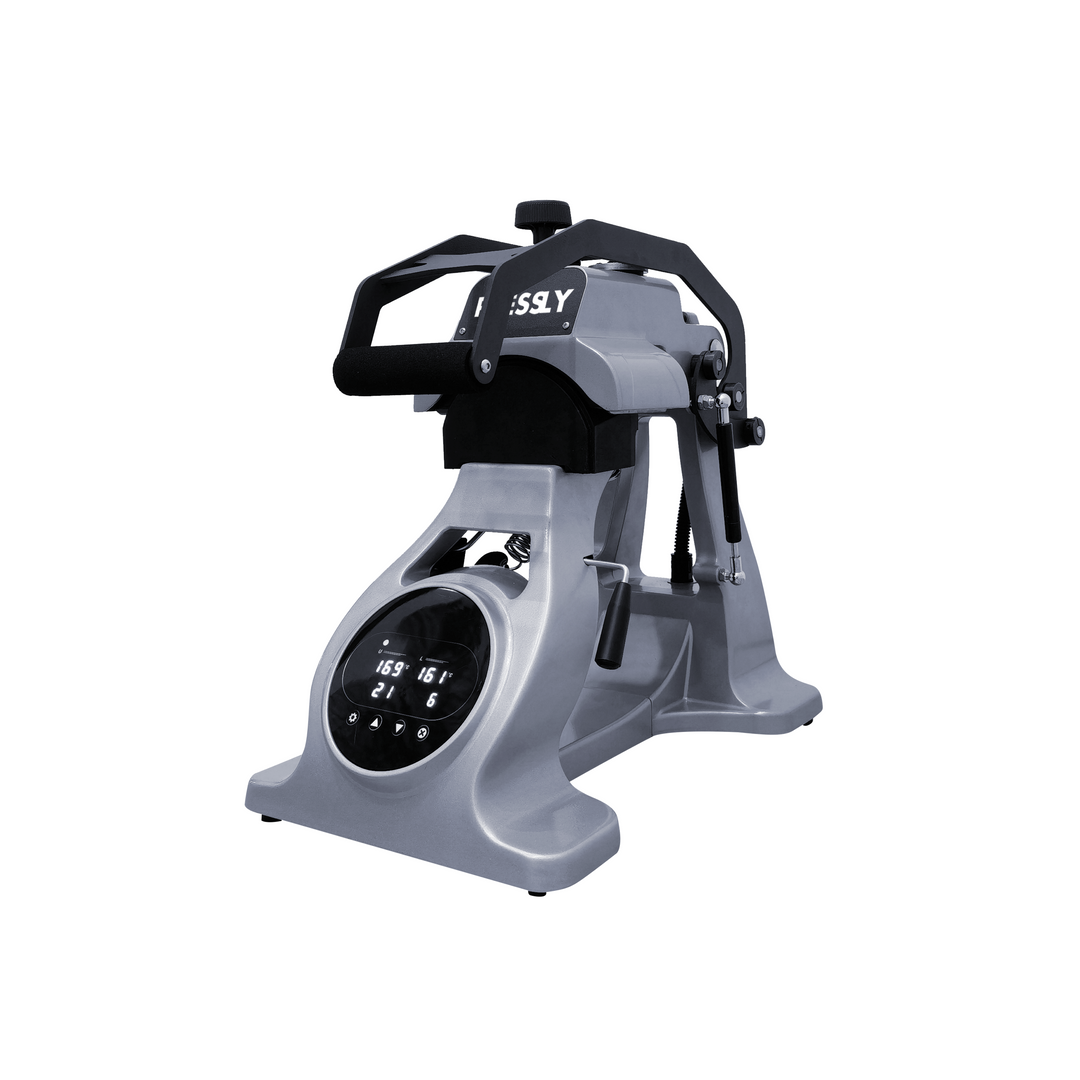
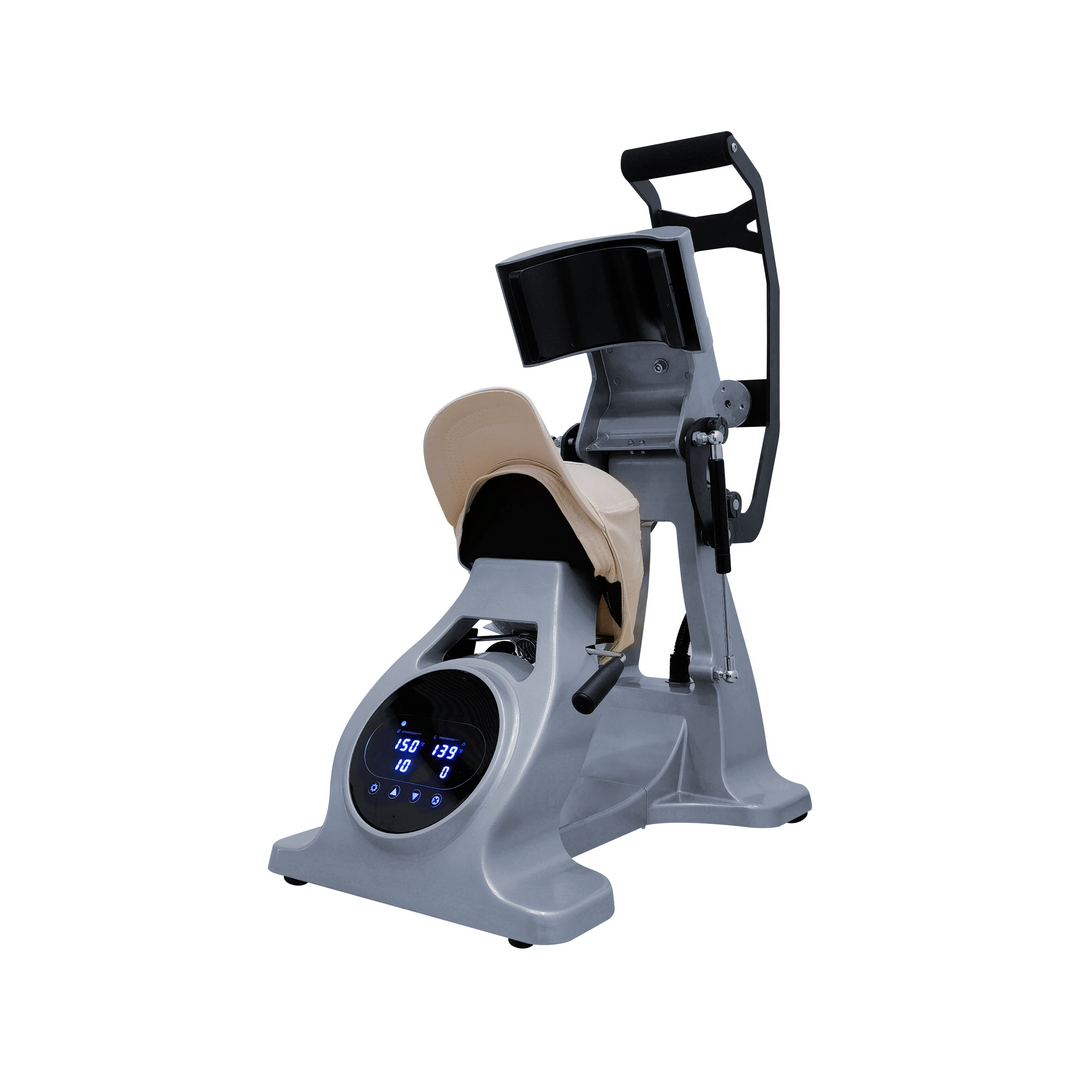
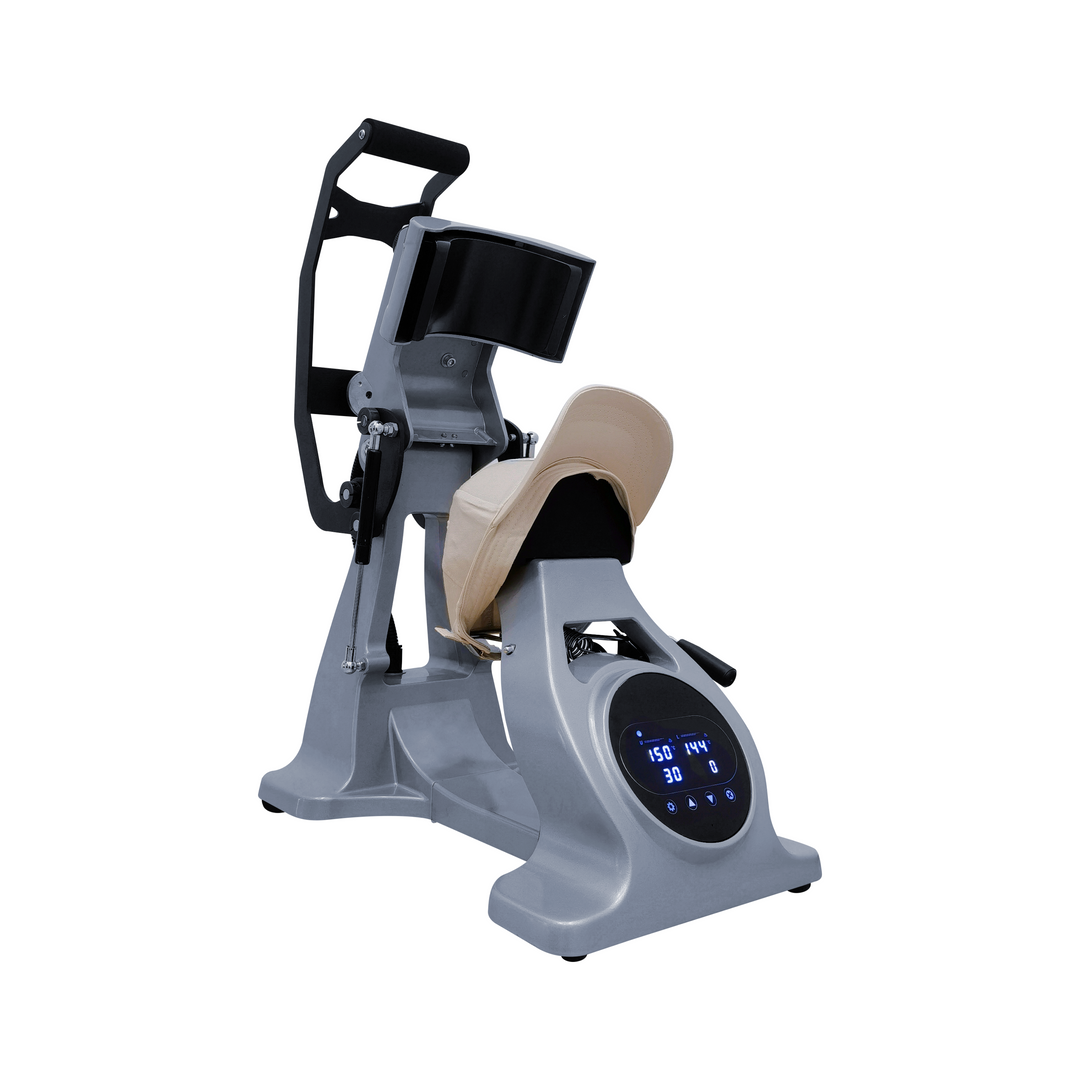
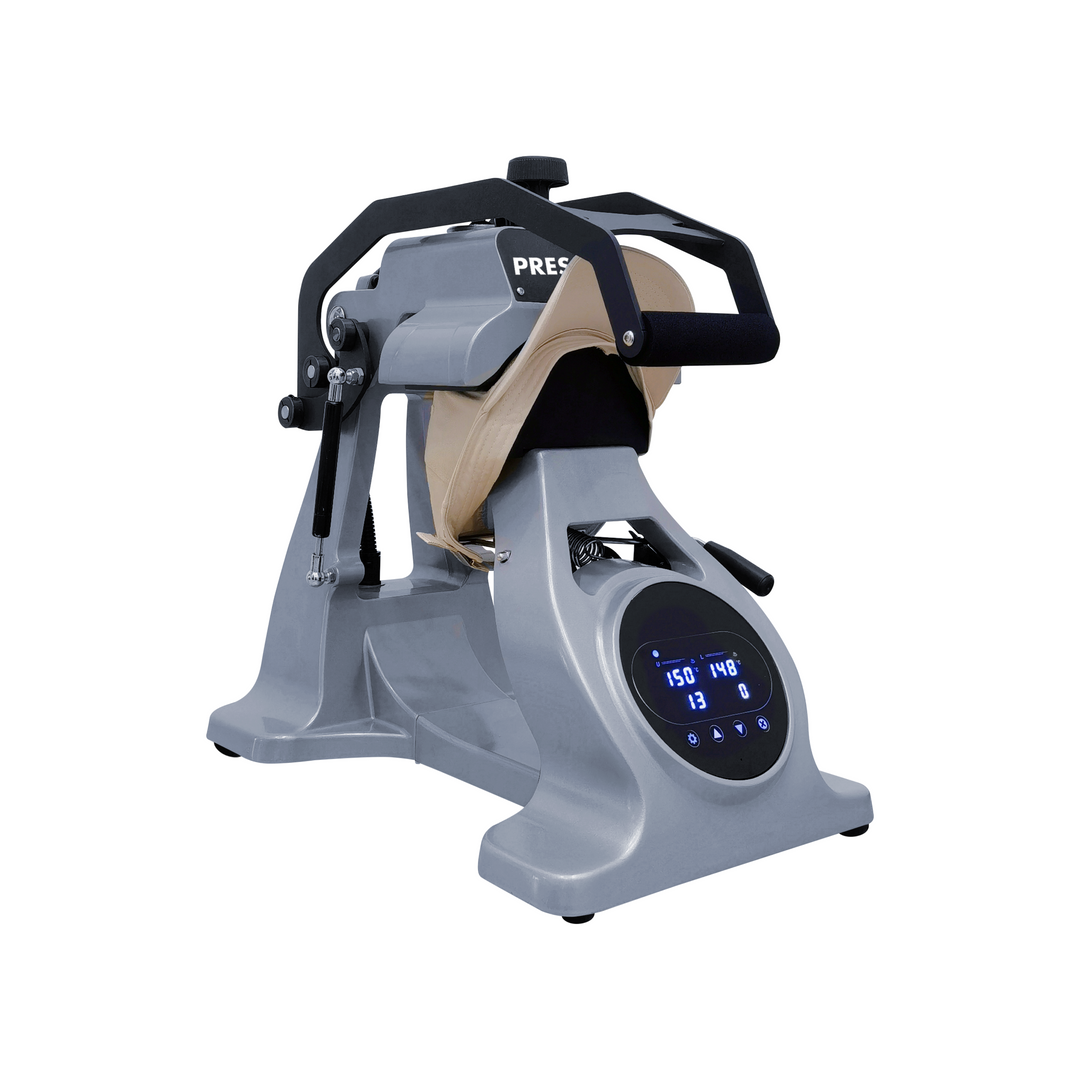
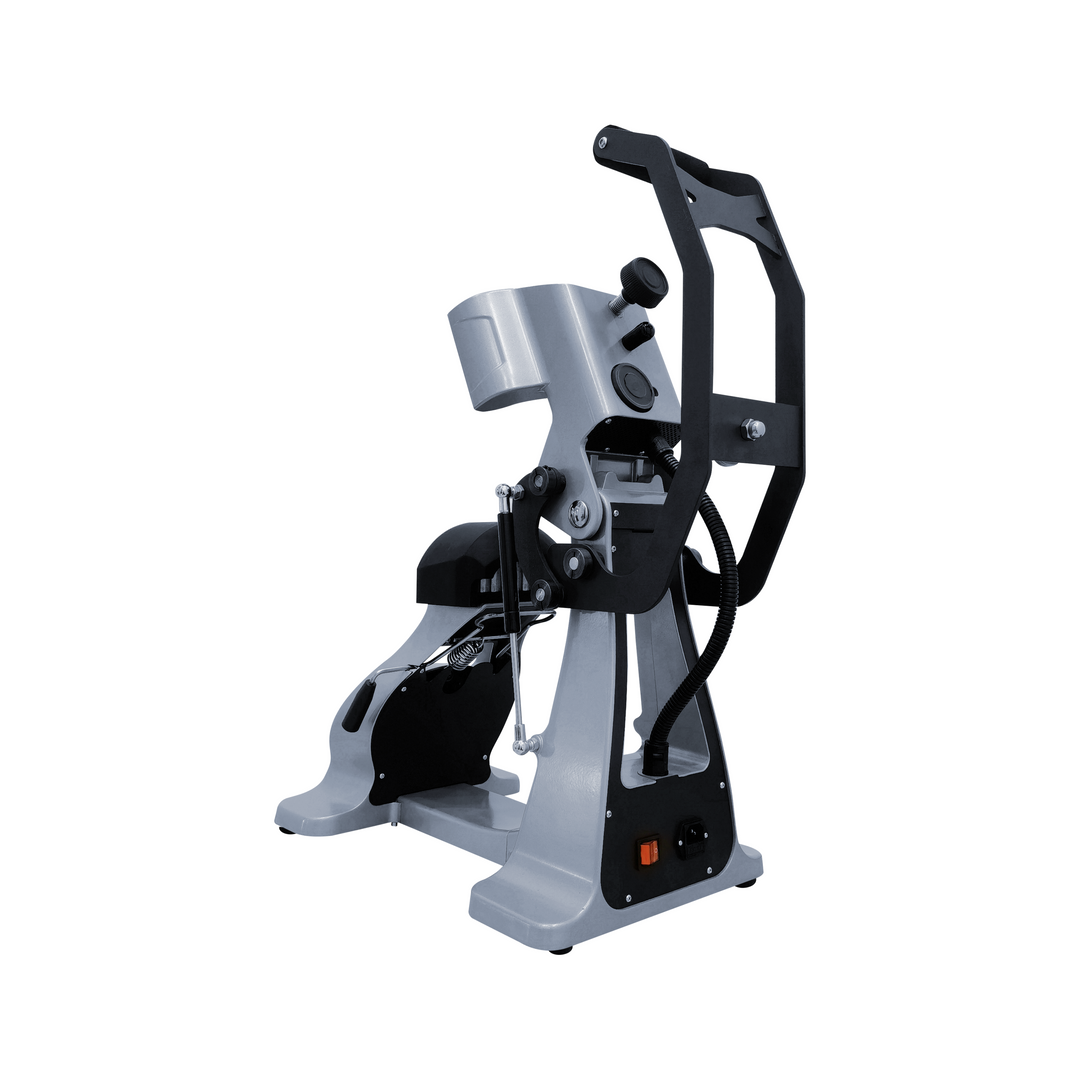
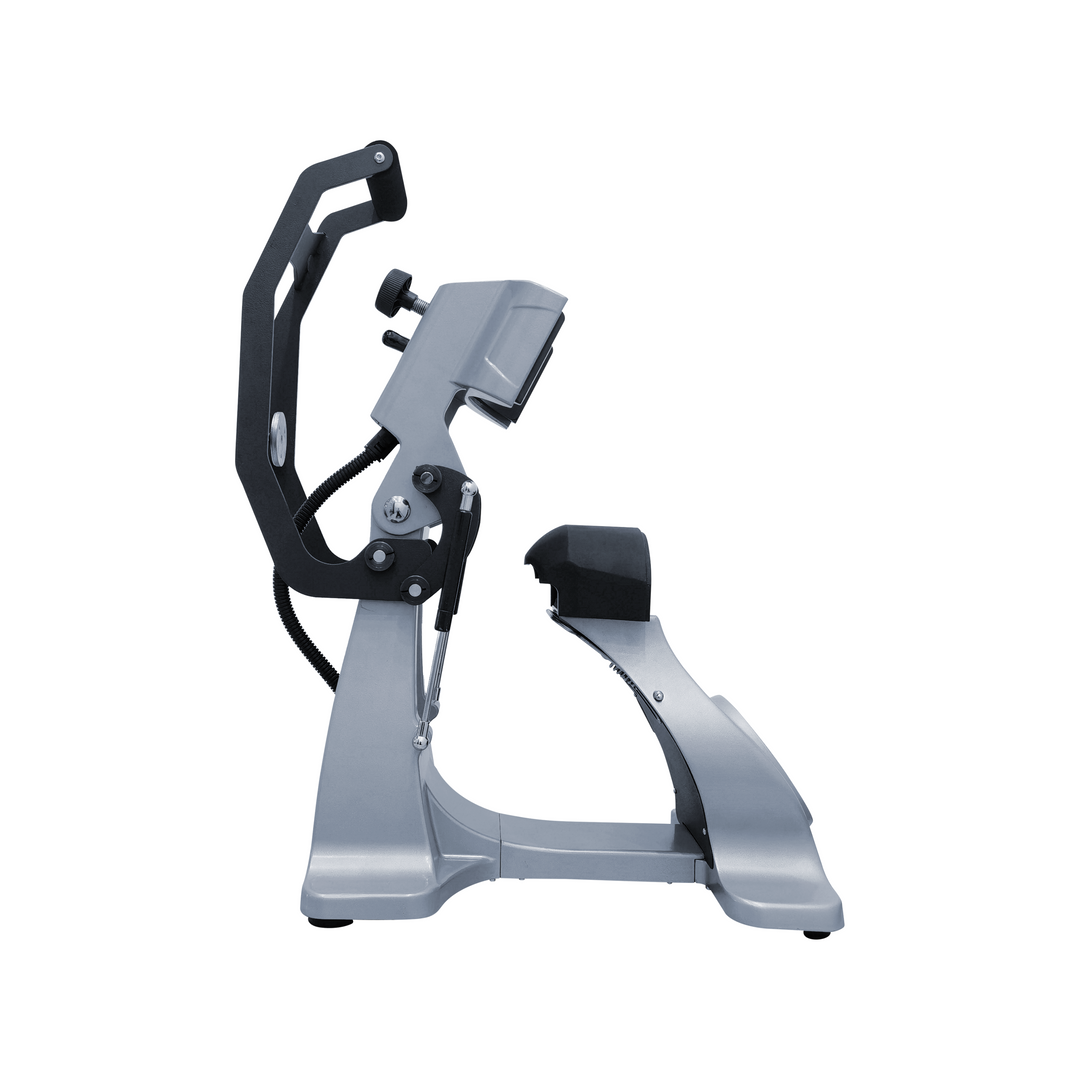


CP2815 CapPro - Dual Heat Semi-Automatic Heat Press for Caps and Hats
- Low stock - 10 items left
 Login to download User Manual
CP2815 CapPro - Dual Heat Semi-Automatic Heat Press for Caps and Heat Press Hats
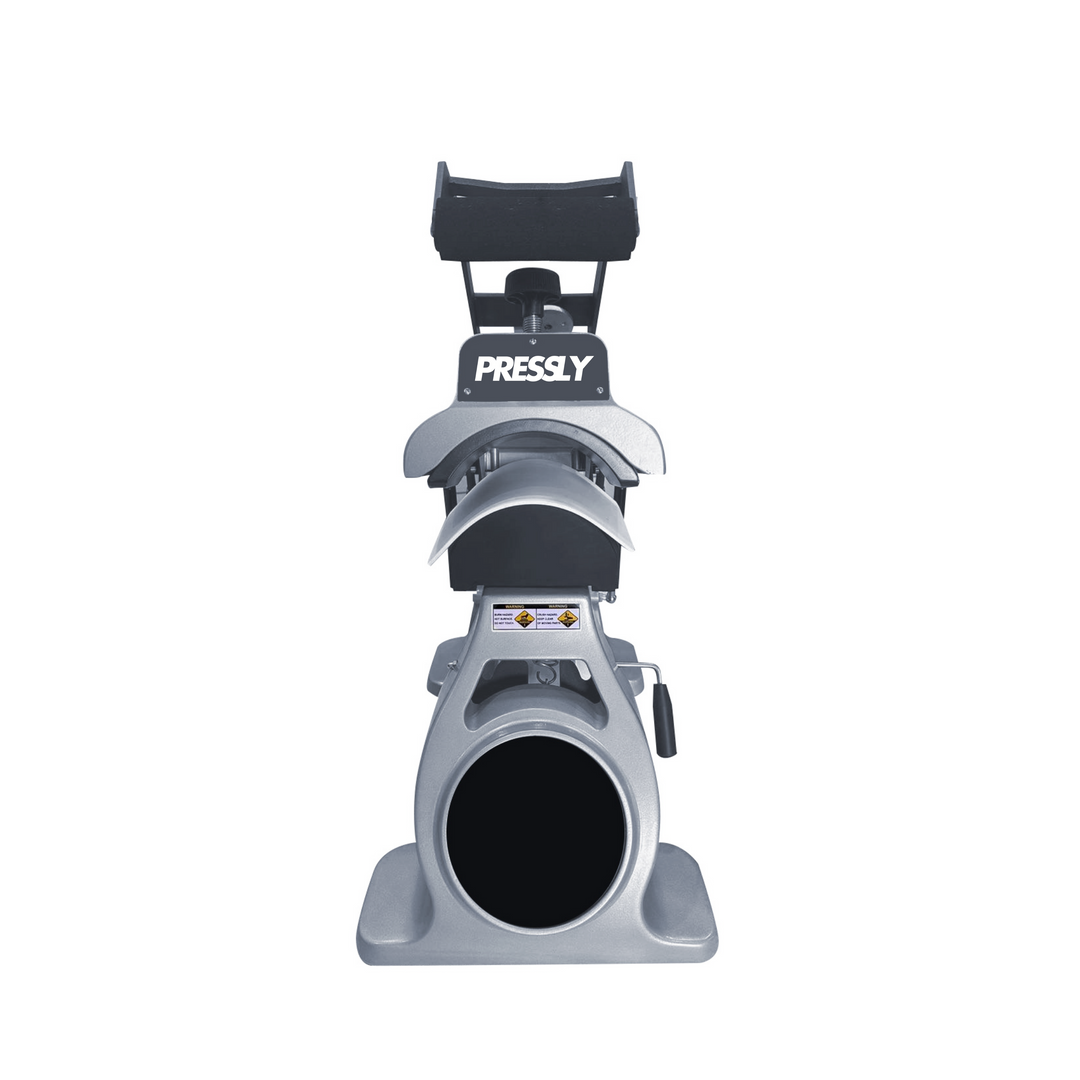
The CP2815 CapPro is a premium dual-heat semi-automatic heat press designed mainly for caps, hats, and Heat Press Hats. It offers fast, accurate, and reliable printing every time. This machine is perfect for small businesses and professionals who want flawless prints with high efficiency and consistent results.
Why Choose the CP2815 CapPro for Your Heat Press Projects?
The CP2815 CapPro delivers excellent performance and a sturdy design. Its semi-automatic operation streamlines workflow and effortlessly improves efficiency. Dual heat elements ensure even warmth for superb prints on caps and hats.
1. Dual Heat Technology for Consistent Results
The CP2815 CapPro uses dual heat sources to distribute heat evenly. This ensures vibrant and durable prints on caps without defects. Consistent heat guarantees a high-quality output every single time.
2. Semi-Automatic Operation for Enhanced Efficiency
The semi-automatic mode reduces manual effort and shortens press cycles. It reliably produces expert designs on hats and caps. This feature boosts productivity and minimizes user input for faster results.
3. Adjustable Pressure and Temperature Settings
The user can adjust pressure and temperature to suit various fabrics. The CP2815 CapPro runs efficiently with cotton, polyester, and blends. It firmly fits all cap styles allowing flawless transfers on many materials.
4. Durable and Built for High-Volume Production
Constructed for demanding use, the CP2815 CapPro supports businesses with consistent, high-output hat production. Professionals rely on its durability over long periods, making it ideal for heavy workloads.
Key Features of the CP2815 CapPro - Dual Heat Semi-Automatic Heat Press
- Dual Heat Technology: Delivers stable, even heat for flawless transfers on caps and hats.
- Semi-Automatic Operation: Speeds print cycles and reduces manual effort effectively.
- Customizable Settings: Lets users adjust heat and pressure for different fabrics and styles.
- Rugged Construction: Built to withstand intensive daily use and ensure a long life.
- Perfect for Caps and Hats: Specifically engineered for headwear including Heat Press Hats.
Benefits and Applications of Heat Press Hats
- Ideal for Customization: Great for personalizing promotional caps, sports hats,
- High-Quality Results: Produces crisp, vivid designs that please customers and stand out.
- Efficient Operation: Semi-automatic design shortens production times and helps business grow fast.
1. What types of caps and hats can the CP2815 CapPro be used for?
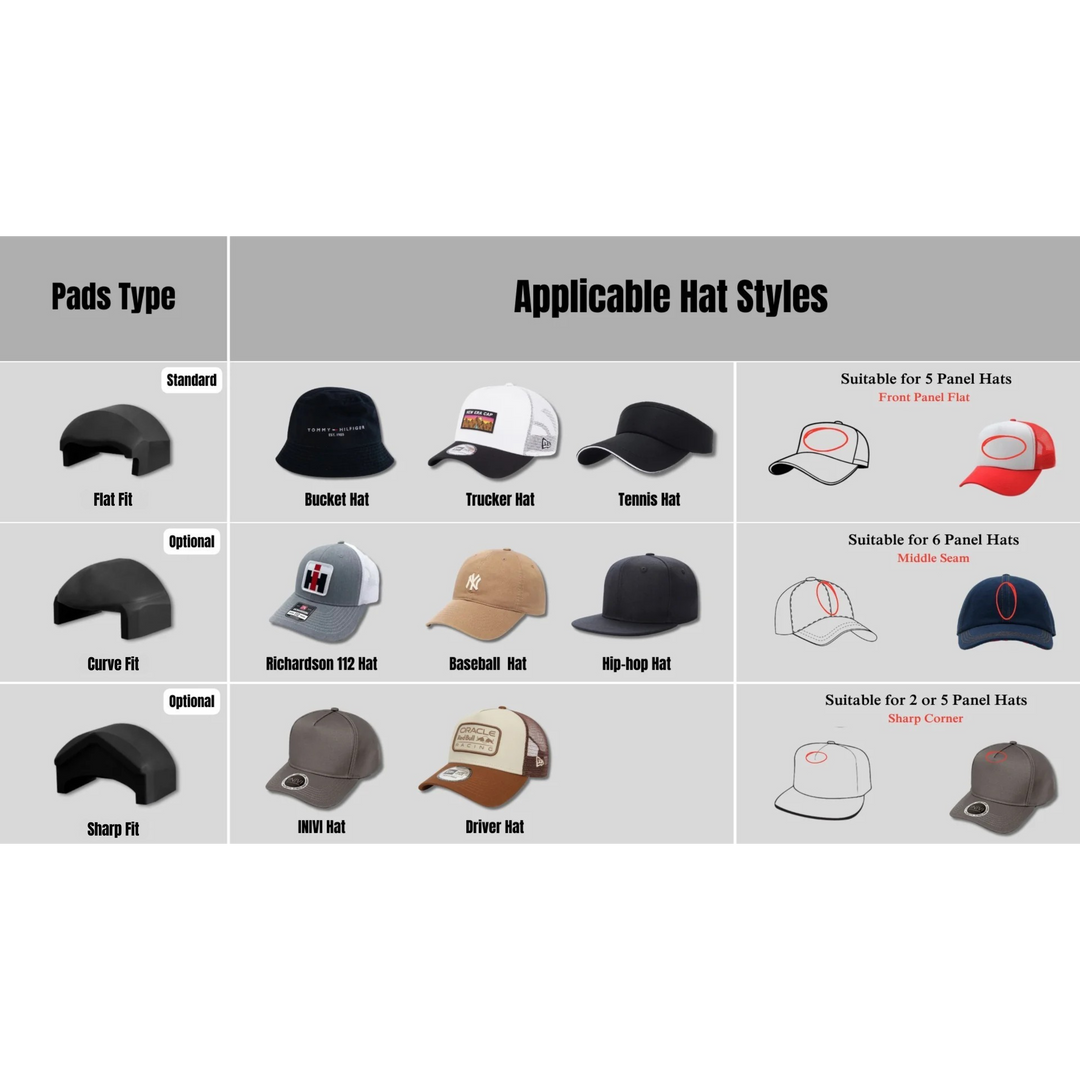
The CP2815 CapPro handles many cap styles: baseball, trucker, bucket, and 5- to 6-panel structured caps. Its adjustable settings fit diverse fabrics and sizes. This machine is ideal for high-quality custom printing on hats and caps for sports or promotions.
2. How does the dual heat technology in CP2815 CapPro improve printing results?
The CP2815 CapPro controls upper and lower platens independently via dual heat elements. This avoids hotspots and uneven pressure. Prints stay bright, even, and durable. It enables detailed or layered transfers with sharp outcomes, providing outstanding quality for all hats.
3. What is the benefit of the semi-automatic operation of CP2815 CapPro?
The CP2815 CapPro combines manual closing with automatic platen opening. This lowers waiting times and cuts mistakes or over-pressing. The semi-automatic design suits high-volume printing, delivering professional results with less effort. This design makes producing perfect hats faster and simpler.
4. How does the molded cap platen work and why is it important?
The CP2815 CapPro molded platen prevents creasing during pressing. It preserves cap shape throughout operation so every print looks professional. The platen fits many cap sizes without plate swaps, quickening setup and improving efficiency. Even pressure safeguards fabric and boosts print quality.
5. Can the CP2815 CapPro handle multi-step transfers or layered designs?
Yes. The CP2815 CapPro includes a multi-timer for multi-step pressing or layered transfers. It supports patches and vinyl designs with multiple layers. The machine provides consistent heat and pressure on every section. This helps professionals create outstanding custom products with impressive durability.
Due to the nature of this product, orders will be processed and shipped within 3 business days. Please allow this additional time for handling to ensure that your equipment is carefully prepared and packaged for safe transit. However, there may be times when shipments are delayed due to unexpected situations. In such cases, Alpha DTF Print will provide you with updated information via email or phone.
Currently, Alpha DTF Print exclusively offers shipping within the United States. We are committed to providing the best possible service to our domestic customers and do not ship internationally at this time.
For all orders, we will handle freight shipping to the given address. Once the product has been loaded onto the freight carrier, delivery may take 5–12 business days depending on the distance, routes, and accessibility of the destination. In some cases, severe weather conditions or other unforeseen factors may extend delivery times.
You can track your order by clicking the tracking number provided in your order details after shipment. This will give you an estimated delivery date as well as updates from the carrier about the status of your shipment.
Certain equipment, such as printers, is classified as oversized and requires special handling. We take extra precautions when packaging and shipping these products to ensure their safety during transit. To avoid damage and ensure the safety of both the equipment and personnel, we recommend using a pallet jack or forklift when moving oversized pallets upon arrival.
We appreciate your understanding and cooperation to ensure a smooth and secure delivery experience.
Important Delivery Instructions:
This product must arrive securely packaged in a sealed wooden crate, unless otherwise stated or pre-arranged.
If the crate or product is visibly damaged upon delivery:
DO NOT accept the delivery immediately.
Instead, follow these steps carefully:
Ask the delivery driver to document the damage by writing a Damage Report.
Take clear photos of the damaged crate/product and the Damage Report.
Do not sign the Proof of Delivery (POD) without marking the crate or product as "DAMAGED".
Notify us immediately via phone or email.
Complete the Order Support Request Form on our website to officially open a case. This allows us to follow up with the carrier.
⚠️ IMPORTANT: If damage is not clearly indicated on the Proof of Delivery (POD) at the time of receipt, we will not be able to file a claim with the carrier. This will result in no compensation or replacement. Your compliance with this process is essential.
For more details, check out our Shipping Policy.